How to create a news
1/ How to create a news
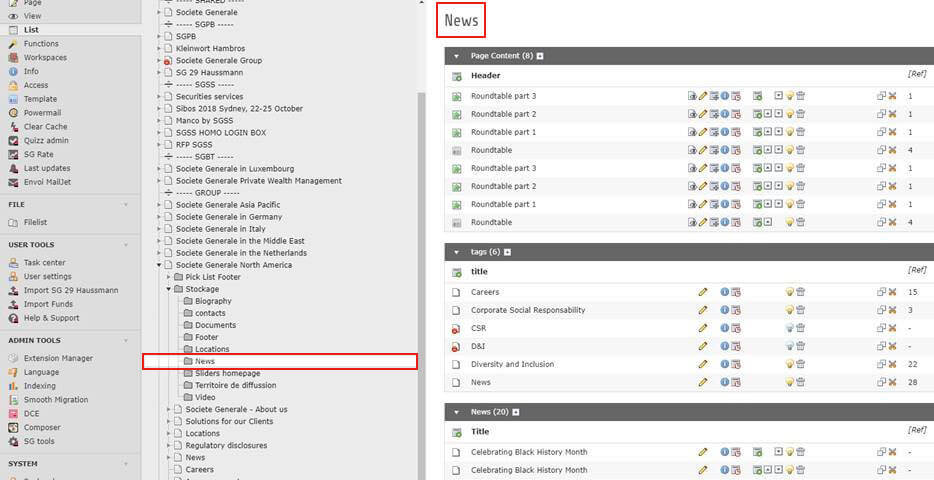
All your news are stocked in a file: Typo3 > Your website > Stockage > News.In the block “News” you can create a new one :
Then you have to fill the different tabs like in the screenshots Example below with the news “Diversity Month”
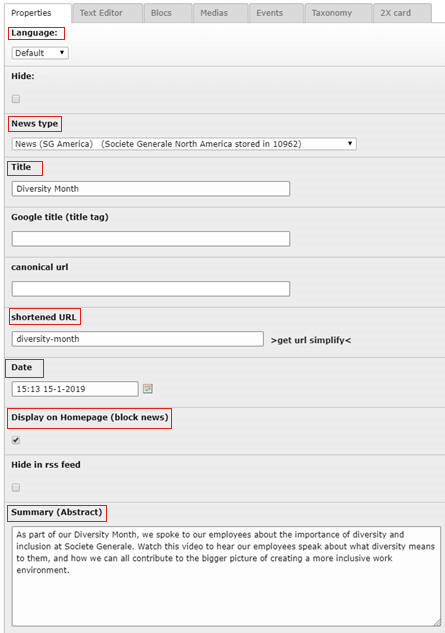

In the text editor you can write, add links and insert images (with Insert > Typo3 Image)

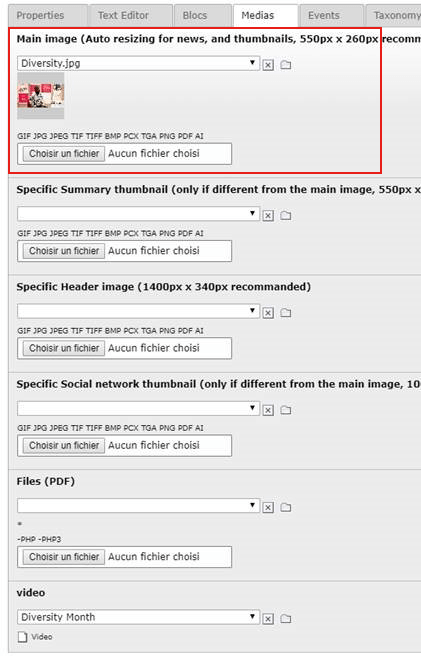
In Medias you can load a “Main image” which appears in the thumbnail. Make sure the size is 550px x 260px